



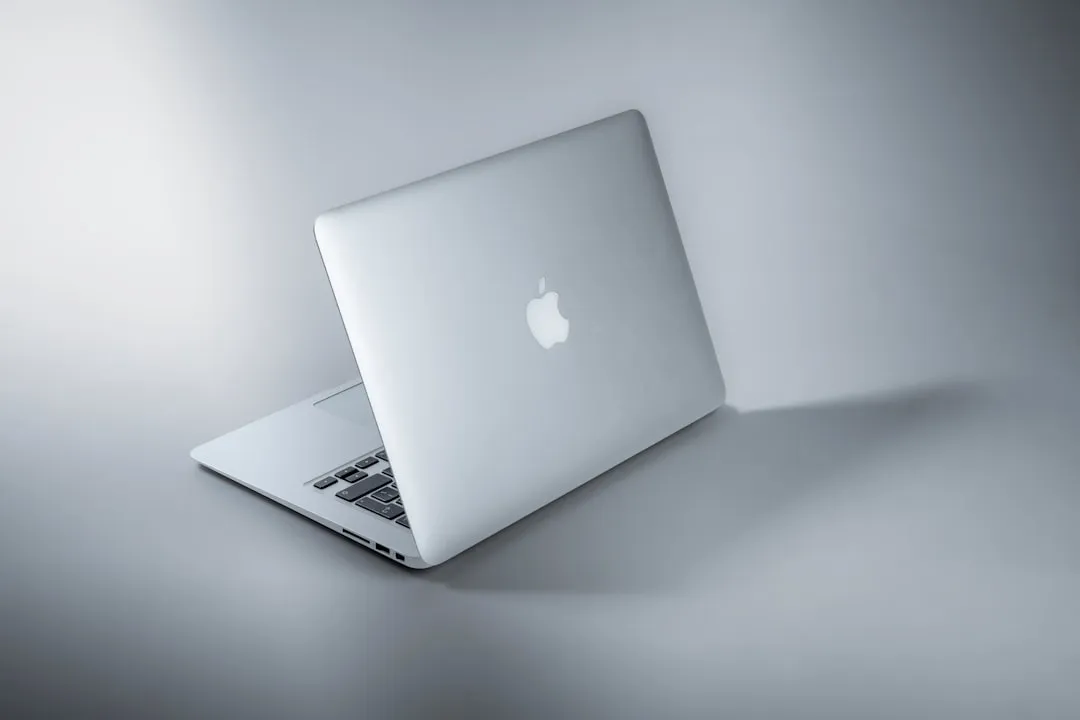
Downsides of Switching From MacBook to Windows Explained
The downsides of switching from MacBook to Windows are narrower than the horror stories suggest, but they're real enough to plan around before you buy. The hardest part usually isn't the new hardware. It's relearning shortcuts, losing part of the iPhone integration Mac owners take for granted, and discovering that "Windows laptop" describes machines with substantially different battery life, build quality, and app compatibility depending on which one you pick, according to Engadget.
Apple's shift to its own M-series ARM chips in 2020 put MacBooks among the most battery-efficient, powerful laptops sold today, and that efficiency is the baseline anyone switching from macOS to Windows may give up, per Engadget. How much of that gap you actually feel depends entirely on which Windows machine replaces it. Before weighing any downside below, know your reason for switching: someone buying a Windows laptop for PC gaming, VR, a touchscreen, or a cheaper price tag is making a very different trade than someone leaving purely because their old Mac died.
Switch only if you're gaining something specific
Windows has clear advantages in a few areas, and those are worth knowing before you assume you're only losing ground. The decision comes down to this: switch if a specific Windows advantage, gaming, VR, a touchscreen, matters more to you than the iPhone integration and macOS habits you'd be leaving behind.
Windows remains the best platform for the widest catalog of games, since nearly every title eventually gets a PC release, while Mac gaming stays comparatively limited even with Steam available on macOS, according to Engadget and PCMag Australia.
VR is a similar story. The Meta Quest 3 and SteamVR headsets work only with Windows, not macOS, per PCMag Australia. Windows also offers touchscreens and 2-in-1 convertible designs that don't exist on any current Mac.
One TechRadar writer who used macOS as his sole operating system for two weeks said two specific Windows 11 features pulled him back: Clipboard History (Windows key + V), which keeps a running list of copied items instead of just the last one, and the built-in window-snapping shortcuts for dragging windows to fill half or all of the screen, per TechRadar. He said the clipboard feature alone was enough to send him back to Windows. If none of that matters to your workflow, treat it as a nice-to-have rather than a reason to switch.
The workflow audit: what to expect when switching from Mac to a PC
The most common switching cost isn't one dramatic Windows flaw. It's the pile-up of small macOS habits that don't have a clean equivalent, and it hits hardest for longtime Mac users with deep muscle memory.
Gabe Knuth, senior end-user computing analyst at Informa TechTarget's Enterprise Strategy Group, spent eight weeks on a Windows Copilot+ laptop after 16 years of daily Mac use and said the transition "dramatically affected" his productivity, not because of hardware quality but because of habits that didn't carry over, per TechTarget. Adjusting to Ctrl-based shortcuts instead of Command shortcuts was one of the hardest changes, and he found Windows screenshot tools more cumbersome than macOS equivalents, according to TechTarget.
His biggest single problem was Alfred, a Mac search-and-launch utility. He tested PowerToys, Wox, Listary, and Keypirinha looking for a Windows replacement and found nothing close, eventually building a custom AutoHotkey script called Jeeves just to get his search workflow back, per TechTarget. That's one experienced user's specific setup, not proof no Windows launcher works for anyone. But it's a useful stress test if you lean on a Mac-only launcher, automation tool, or menu-bar app every day.
Even a basic peripheral preference tripped him up: reversing the scroll direction on an external mouse required editing the Windows registry, since the toggle he found in his testing only applied to the touchpad, not external mice, per TechTarget. Before switching, list the Mac utilities, keyboard remaps, and file or communication workflows you rely on daily (iCloud, Notes, Photos included) and confirm a real Windows equivalent exists, not just something that looks similar in a screenshot.
The iPhone ecosystem tax, and who actually pays it
This gap is real, but it's narrower than it sounds. It mostly matters to people who actively use AirDrop, text from their laptop, or start FaceTime calls from a computer, not to every iPhone owner who buys a Windows machine.
iPhone functionality is measurably more limited when paired with a Windows PC than with a Mac, according to Engadget. AirDrop doesn't work with non-Apple devices at all, so switchers need a third-party app for wireless file transfers between phone and laptop, per Engadget. Windows' Phone Link app can surface iMessage conversations, but it doesn't handle group messages, voice memos, or media attachments, and while Windows users can join an existing FaceTime call, they can't start one, since there's no native Windows FaceTime app, per Engadget.
Knuth flagged the same limitation in his own switching experience and publicly called on Microsoft to "fix Phone Link" and make it fully featured, per TechTarget. If you rarely use AirDrop, don't text from your laptop, and don't initiate FaceTime from a computer, this downside barely touches you. If any of those are daily habits, test Phone Link with your own group chats before you commit to a purchase, since testing your actual conversations is the only way to know how much these limits will bother you.
MacBook to Windows laptop transition: pick your architecture first
"Windows laptop" isn't one product category, and the chip architecture inside determines a lot of what you'll experience day to day. Most Windows laptops still run on x86 processors, which tend to deliver noticeably worse battery life than Apple's ARM-based M-series chips, per Engadget.
Windows on ARM narrows that battery gap, but the trade-off runs the other direction: software compatibility becomes the main sticking point, since not every app, driver, or game is built with ARM in mind yet, according to Engadget.
Build quality varies just as much. Even Apple's budget MacBook uses an aluminum shell, while many lower-end Windows laptops are built with plastic chassis that flex and creak, according to Engadget. ARM models are worth considering for battery life, but confirm your essential apps and games actually run on ARM, or run well enough through Windows' emulation layer, before you buy. Separately check that your peripherals, a printer, dock, or audio interface, have ARM-compatible drivers from the manufacturer, since that's a different check from app compatibility.
If you rely on specialized or older Windows software, an x86 machine is the safer bet, since native compatibility avoids the emulation guesswork entirely. Either way, read reviews of the exact model you're considering. Battery claims and chassis quality swing by manufacturer, not just by chip family.
Living with Windows 11 day to day
Once the hardware decision is made, Windows 11 may require more hands-on setup and troubleshooting than macOS, depending on the laptop. Setup typically requires signing into a Microsoft account, a requirement Microsoft makes increasingly hard to skip, and surfaces prompts for Microsoft 365 and Copilot before you even reach the desktop, per Engadget. Once you're on the desktop, expect pop-up ads for bundled trial software like antivirus suites, and Engadget estimates cleanup can take a couple of hours of manually uninstalling bloatware and turning off data-collection prompts. One-click "debloat" tools exist, but Engadget cautions they run scripts that can break more than they fix, so manual cleanup is the safer route.
The same TechRadar reviewer said he didn't miss Windows 11's ads, Game Pass pop-ups, or Microsoft Edge repeatedly overriding his default browser choice, even after he'd manually set Chrome as default, per TechRadar. He also traced Windows' greater bug and compatibility variance to the sheer number of hardware configurations it has to support, compared with Apple restricting macOS to its own hardware, calling macOS "a lot more stable and dependable" in his own experience. He was careful to frame that as a trade-off rather than a flaw, though, noting Windows problems are often easier to diagnose and fix yourself once something breaks, per TechRadar.
Engadget makes a related point about security: Windows' openness for third-party shell tools, BIOS tweaks, and registry edits gives power users more control, but it also demands more active vigilance than macOS' more locked-down approach. Budget time in your first week to remove bloatware and turn off ad and data prompts by hand. Treat "instability" complaints as one reviewer's experience that varies by manufacturer and configuration, not a fixed law of Windows, and check reviews of your exact laptop rather than general platform sentiment.
What to check before you buy
None of this adds up to a blanket quality gap between macOS and Windows. The costs are specific: workflow friction, partial iPhone integration, and hardware or OS variance that depends heavily on which laptop you actually choose. Architecture affects both battery expectations and app compatibility, per Engadget, and it's one of the first specs worth checking against your own software list, before price or brand.
Before you buy, run through this audit against the specific laptop you're considering, not general Mac-versus-Windows comparisons:
- Architecture: Open the Microsoft Store or each app's download page and check whether your essential software has a native ARM build. If not, confirm it runs acceptably through Windows' emulation layer. Separately, check the laptop maker's support page for ARM-compatible drivers for your dock, printer, scanner, audio interface, or mouse. If you play games that use anti-cheat software, confirm those exact titles work on ARM before assuming emulation covers everything.
- iPhone workflows: Test Phone Link with a real one-to-one iMessage conversation and check whether the known limits around group messages, voice memos, and attachments actually matter to how you text. Line up a working file-transfer alternative to AirDrop before you wipe or sell the Mac.
- Must-have utilities: Confirm a real Windows equivalent exists for any Mac-only launcher, automation script, or menu-bar app you use daily. "Something similar" isn't the same as a replacement.
- Peripherals: Check that your mouse, trackpad, or other accessories have full driver support and setting parity, including basics like scroll direction, which may require a manual registry fix depending on your hardware.
- The exact model: Read reviews of that specific laptop's battery life and build quality, since both vary by manufacturer far more than they vary between Windows in general and macOS.
If any of these come back uncertain, hold off on the purchase until you've tested the specific machine against your own daily habits, not someone else's review.

















Comments
Be the first, drop a comment!