



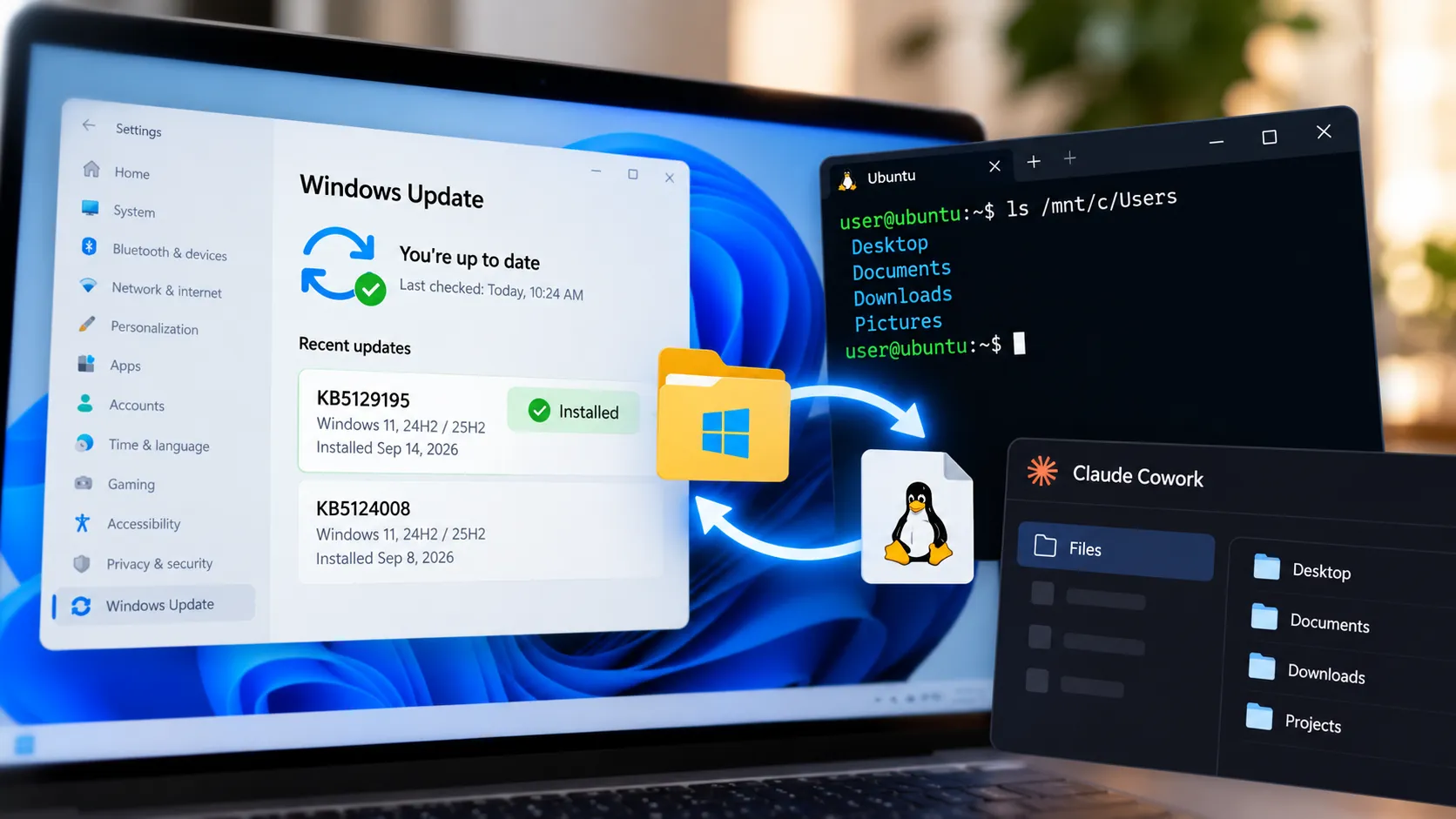
Microsoft has fixed the Windows 11 KB5124008 bug that broke Plan9 host-folder sharing for some Linux virtual machines, including environments used by Claude Cowork and the Windows Subsystem for Linux.
The problem appeared after Microsoft released KB5124008 on Sept. 8 for Windows 11 24H2 and 25H2. Microsoft initially listed the issue as unresolved, but on Sept. 14 it released out-of-band update KB5129195, which restores affected Plan9 folder shares.
Microsoft says the fix is also included in Windows updates released after Sept. 14, so users do not necessarily need to install KB5129195 specifically if a newer cumulative update is already available.
What the Plan9 bug actually did
Microsoft's documentation describes a narrow problem affecting applications that use Host Compute Service, or HCS, managed virtual machines to share Windows host folders with Linux guests through Plan9.
Affected virtual machines still started normally, but folders shared from the Windows host either failed to appear or could not be accessed inside the Linux environment.
Some applications displayed an error saying that no Plan9 drive shares were mounted.
Microsoft specifically named Claude Cowork and WSL as two applications affected by the issue. Standard Hyper-V virtual machines that do not use Plan9 sharing were not affected.
That distinction still matters when diagnosing a problem. A general Hyper-V failure, network problem or unrelated permissions error does not automatically point to this KB5124008 bug.
Which Windows 11 builds were affected
KB5124008 shipped Sept. 8 for Windows 11 24H2 and 25H2.
The affected builds were:
Windows 11 24H2: OS Build 26100.9445
Windows 11 25H2: OS Build 26200.9445
To check whether the update is installed, open Settings > Windows Update > Update history and look for KB5124008.
If KB5129195 or a later cumulative update is already installed, Microsoft's Plan9 fix should already be present.
Microsoft's broader Windows release-health documentation also lists the same Plan9 issue across additional supported Windows versions, but KB5124008 itself applies to Windows 11 24H2 and 25H2.
How Microsoft fixed the Claude Cowork and WSL issue
Microsoft released KB5129195 on Sept. 14 as an out-of-band cumulative update.
For Windows 11 25H2, the update moves the system to OS Build 26200.9457. Windows 11 24H2 moves to OS Build 26100.9457.
Microsoft lists the Hyper-V Plan9 problem as fixed in the update, saying affected host folders can again appear and be accessed inside Linux guest environments.
The update is available through Windows Update and Microsoft Update and installs automatically on eligible devices. Microsoft also provides it through Windows Update for Business, Windows Server Update Services and the Microsoft Update Catalog.
Because KB5129195 is cumulative, it includes the fixes and security protections from earlier Windows updates as well.
Microsoft recommends installing the latest Windows update available for the device rather than staying on an older build solely to avoid the Plan9 problem.
What to do if Claude Cowork or WSL still cannot access folders
Start by checking Windows Update.
If KB5124008 is installed but KB5129195 or a newer cumulative update is not, install the latest available update and restart Windows.
After rebooting, open the affected WSL environment or Claude Cowork workspace and check whether the Windows-hosted folders appear again. Try opening a file and performing a simple read or write operation to confirm that access has returned.
If an IT administrator previously deployed Microsoft's temporary Group Policy mitigation for the Plan9 issue, Microsoft says that policy must be re-enabled before installing the out-of-band update, followed by a restart.
If the latest update is already installed and folder sharing still fails, the original KB5124008 defect may no longer be the cause. Check the exact error message and whether the affected environment actually depends on Plan9 sharing before troubleshooting WSL, Claude Cowork or Hyper-V separately.
How to confirm the fix is installed
For Windows 11 24H2 or 25H2, the quickest check is Settings > Windows Update > Update history.
Look for KB5129195 or a Windows cumulative update released after Sept. 14.
You can also check the OS build by opening Settings > System > About and looking under Windows specifications.
KB5129195 corresponds to:
Windows 11 24H2: Build 26100.9457
Windows 11 25H2: Build 26200.9457
A later build can also contain the fix because Microsoft says updates released after Sept. 14 include the resolution.
What to do now
If Claude Cowork or WSL stopped seeing Windows host folders after KB5124008, install the latest Windows update available and restart the PC.
Microsoft has now marked the Plan9 host-folder issue as resolved, so there is no longer a reason to treat the problem as waiting on an unreleased patch.
If folder sharing still fails after the fix is installed, verify the Windows build and exact error before assuming KB5124008 is still responsible. At that point, the failure may need separate WSL, Claude Cowork or virtualization troubleshooting.

















Comments
Be the first, drop a comment!