






Microsoft says its agentic capabilities for Word, Excel, and PowerPoint reached general availability on April 22, 2026, after a scheduled PowerPoint rollout that began on the web in mid-March and was expected to finish across Windows and Mac by the end of April. For PowerPoint specifically, the update replaces a static suggestion panel with a conversational editing mode that rewrites, restructures, and translates slides directly through chat.
That is a real improvement. Whether it reliably solves the harder problem of generating polished, client-ready decks from a single prompt is a different question: Microsoft presents the output as polished and ready to share, while independent testing still suggests users should treat many generated decks as drafts.
The core distinction matters because Microsoft's positioning tends to blur it. Conversational editing of presentations you already have works noticeably better than one-prompt deck generation.
The feature is native Microsoft Copilot rather than a standalone ChatGPT integration, and Microsoft now describes the broader Office Copilot experience as multi-model. For PowerPoint Skills specifically, Microsoft says the feature is currently available using Anthropic models, with GPT support coming soon.
Editing and deck generation are separate Copilot workflows
Understanding what shipped requires keeping two distinct Copilot surfaces apart. They produce different results and serve different tasks. Microsoft has also added a more guided layer to Copilot in PowerPoint: built-in Skills such as "Review this presentation," "Visualize this slide," and "Prepare for questions." Those tools reinforce the same practical takeaway: the most immediately useful Copilot workflows in PowerPoint are editing, reviewing, visualizing, and preparing an existing deck, not simply asking for a finished presentation from scratch.
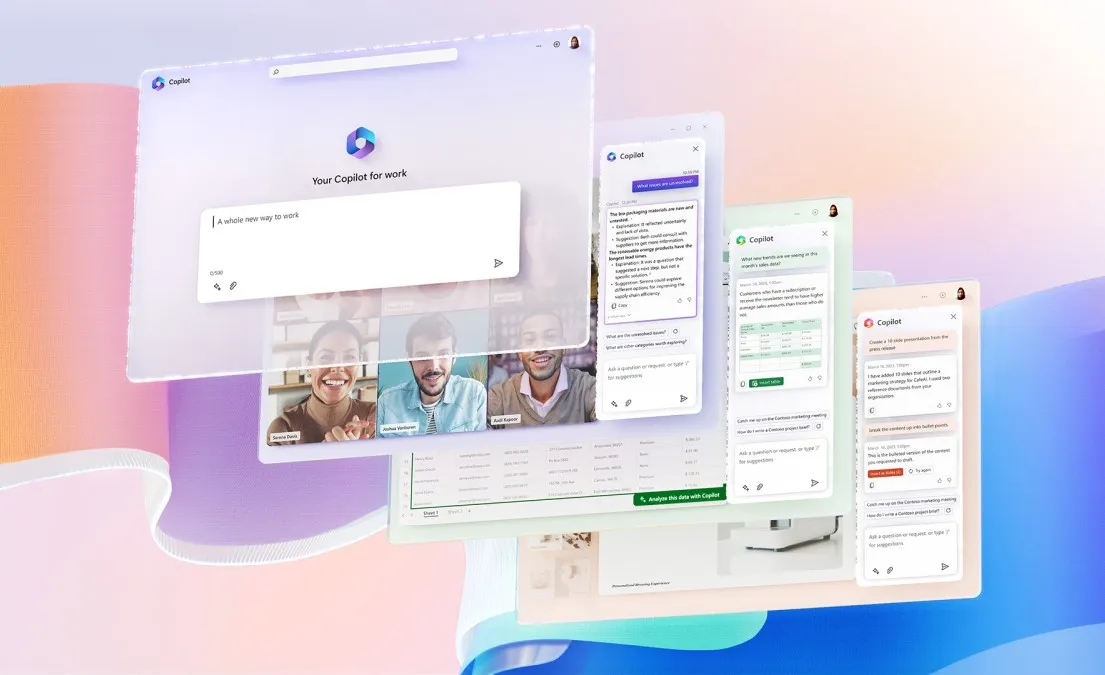
In Edit with Copilot mode, the AI stops only answering questions about slides and starts acting on them: rewriting text for tone or clarity, generating images, adding speaker notes, and translating text boxes, slides, or entire presentations through chat. Microsoft's rollout notice says rewrite, translation, and speaker-note requests now route through Copilot Agent mode, with updates written directly onto the slide or into the Notes pane. In one independent test cited by The Signal, the agent also asked a clarifying question before adding a new data point.
The most practical workflow links both Copilot surfaces. Use the PowerPoint Agent in the Microsoft 365 Copilot app to build a deck from a source file, save it directly to OneDrive, then open the result in PowerPoint and use Edit with Copilot to refine specific slides through follow-up conversation. There is a handoff detail worth knowing: once you move into Edit with Copilot inside PowerPoint, the agent works from the slides alone, not the original source document. If you need to pull from the source file again mid-session, you will need to reattach it manually.
The generation path is gaining more controls, but they are not yet universal. Microsoft says support for adjusting presentation length, tone, presentation style, and image preferences is rolling out to Frontier and Microsoft 365 Insiders and is coming soon for all Copilot subscribers. Generated decks include slide-level citations linking back to source documents, a useful detail for professional and research use. The documented limits are specific: rewrite does not support tables, charts, or other non-text objects; partial text rewrites are not available; and translation does not support presentations larger than 1 million text characters, files larger than 500MB, or decks with a large number of slide masters. Because translation edits the current file, Microsoft advises saving a copy before running it.
Where Copilot still struggles in PowerPoint
The strongest independent challenge to the full-generation narrative comes from a technical review published about six weeks ago that tested five Copilot-based methods for building PowerPoint decks from scratch.
The central finding: none of the five could simultaneously produce output that was both visually polished and structurally sound as a native .pptx file, according to the Perspectives.plus analysis. The tradeoff held across every method tested. Better-looking decks tended to be harder to work with inside PowerPoint; more editable outputs tended to look like rough drafts.
The failure modes were specific. One generation path produced a 32-slide deck with no mechanism to control length, making it the only method of the five that gave users no input on slide count. The Windows desktop path delivered what the reviewer called an MVP deck: structurally sound, visually minimal, the kind of result a user paying around $30 per month for a premium Copilot license would likely find disappointing.
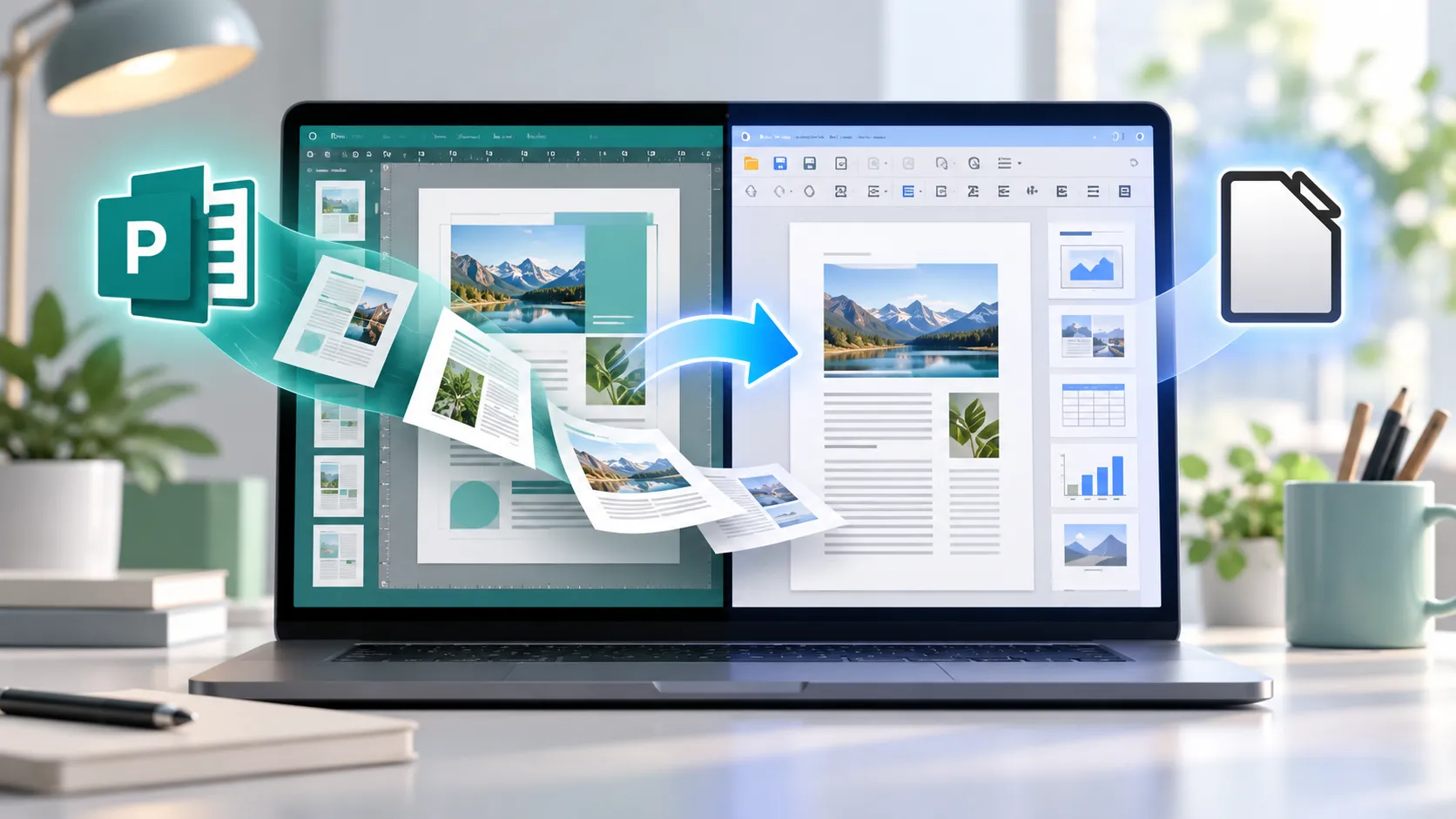
The sharper tension is between Microsoft's "real Office applications" positioning and what independent reviewers say they are seeing in the output. One Perspectives.plus review argued that the more visually polished web-generated decks appeared to use a conversion-style workflow rather than a fully native PowerPoint authoring path. Microsoft has not confirmed that analysis, so the safer takeaway is narrower: reviewers are still finding a gap between polished-looking output and cleanly editable PowerPoint structure.
The disparity is not arbitrary. Prose and spreadsheet work map more naturally to language-model strengths than slide design, where content, layout, hierarchy, and visual polish all have to work together. Microsoft's own app-by-app adoption numbers suggest users may be running into that ceiling.
Who can use Copilot's PowerPoint features
The short answer: many Microsoft 365 users now have access, but availability still depends on the plan, app surface, organization settings, and whether required AI models are enabled.
Microsoft 365 Personal and Family users are included in the general availability rollout. Microsoft 365 Copilot and Microsoft 365 Premium subscribers have the new capabilities as the default experience. Users with a Microsoft 365 Copilot license may also get deeper work-context features, such as referencing files and other work data, depending on the app surface, tenant settings, and rollout state.
Business and enterprise users who cannot see the feature should know that no admin action is required for the core rollout, but tenant-level Copilot access must be enabled and some IT configurations may still gate it so visibility is not guaranteed across all enterprise deployments. Full OneDrive and SharePoint file referencing within Edit with Copilot is still completing its rollout, expected through June 2026. The most fluid version of the in-session workflow is not yet available to everyone.
Microsoft's numbers show PowerPoint still trails Word and Excel
Microsoft published internal adoption data on April 22, 2026, covering the period since agentic capabilities launched. The company has not published sample sizes, baseline definitions, or methodology, so treat these as directional figures from a promotional announcement.
PowerPoint saw 11% higher engagement, 36% higher new-user retention, and a 25% improvement in satisfaction ratings. Real improvements but context changes the picture. Word saw 52% engagement growth over the same period. Excel saw 67% engagement growth, 50% better retention, and a 65% satisfaction gain. PowerPoint's numbers look modest by comparison, and the gap is not small.
The cross-app disparity tracks with what independent testing shows. Writing and spreadsheet manipulation map naturally onto how large language models process and generate content. Slides do not. Users appear to be engaging with Microsoft Copilot in PowerPoint more than before, but with notably less enthusiasm than in the apps where AI assistance more reliably produces something usable on the first pass.
Best used as an editor, not an author
For editing an existing deck rewriting sections, adding speaker notes, translating for a new audience, restructuring slides the conversational workflow represents a genuine upgrade. It is faster than clicking through menus and useful enough that Microsoft's own retention numbers show users coming back.
For generating a complete, presentation-ready deck from a single prompt, the results still land somewhere in the tradeoff between looking good and being properly structured not yet reliably both, as the Perspectives.plus review found.
The rollout itself is not finished. Full file-referencing capability inside Edit with Copilot is still completing through June 2026, meaning the most capable version of the in-session workflow remains unavailable to some users.
Copilot PowerPoint slides, at this stage, are best understood as a co-editing surface. Bring it a rough deck and it will reshape that deck through conversation faster than any menu-driven workflow. Ask it to author something polished from scratch and you are still betting ahead of what the technology can reliably deliver.



Comments
Be the first, drop a comment!