





Windows 11 Build 29617: Fewer Restarts and New Screen Tint Tool
Microsoft shipped Windows 11 build 29617.1000 to the Experimental (Future Platforms) channel last Thursday, pairing a structural change to how Windows handles monthly updates with a new display accessibility tool called Screen tint. Both changes share the same logic: reduce the friction of using Windows day to day, one at the servicing layer, one at the display layer.
A note on scope before the details: Experimental (Future Platforms) builds are unstable by design, may ship with limited documentation, and are not tied to any specific Windows release, per Microsoft Learn's official release notes. Features here may change, be removed entirely, or never reach mainstream Windows 11. The release notes also apply to users still enrolled in the Canary 29600 series, as Microsoft is mid-transition to updated channel names.
Windows 11 one monthly restart update: what changed and what it still needs to prove
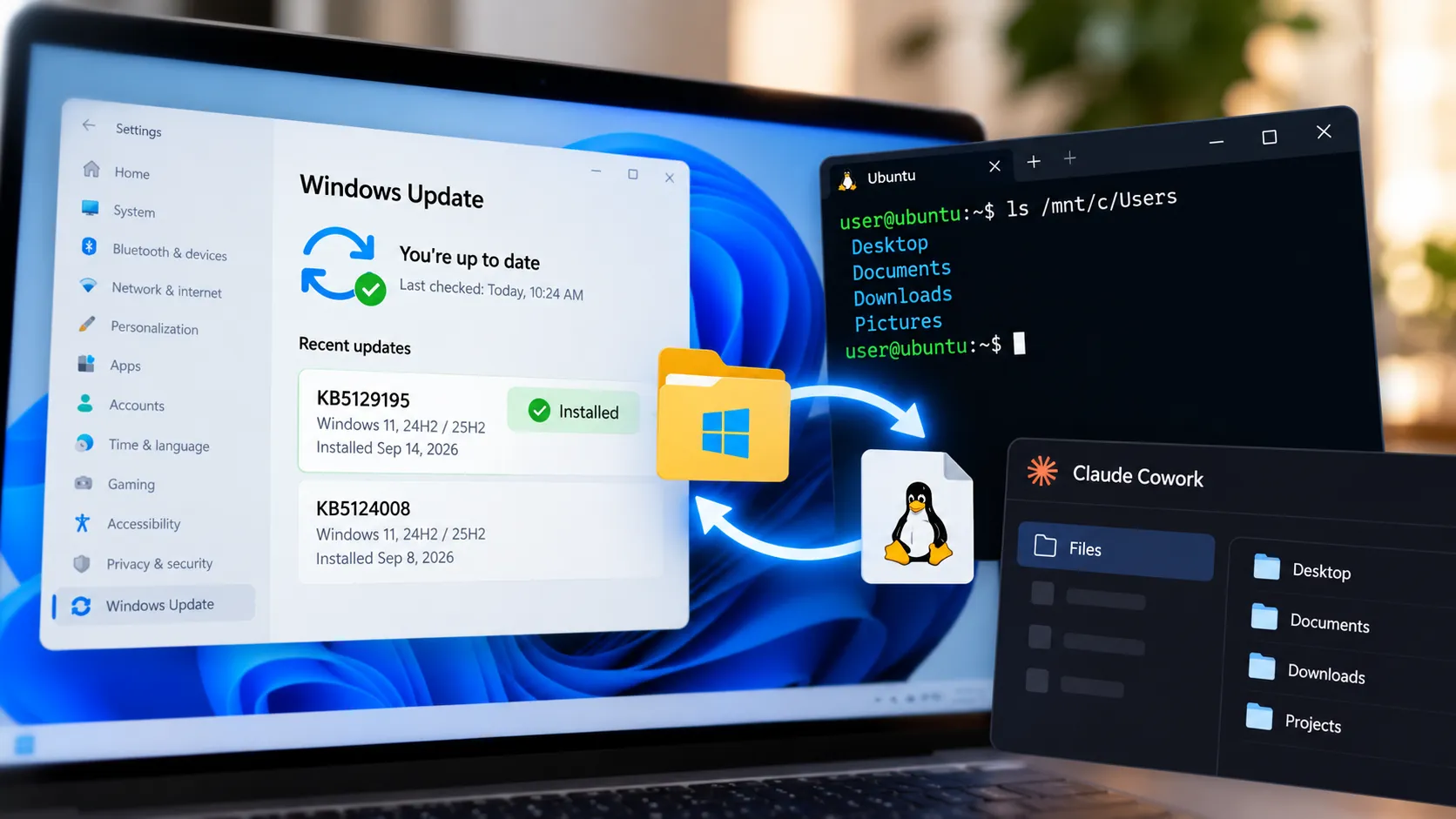
The most structurally significant change in this build is a new unified update experience aimed at cutting the number of monthly restarts down to one. Microsoft is coordinating driver, .NET, and firmware updates to land alongside the monthly quality update rather than arriving separately, per Microsoft Learn. The goal is a single restart per month instead of several scattered across the servicing cycle.
Microsoft is explicit that this is only the first phase. The set of update categories being aligned may expand over time, per allthings.how. For now, the scope is narrow: driver, .NET, and firmware. Microsoft has not said whether other update types will be folded in later, or how this model would behave under enterprise management tools such as Intune or WSUS.
Those open questions matter. The documentation makes no claims about compatibility with enterprise management tooling, and it says nothing about whether emergency out-of-band security patches would fall outside the one-restart framework. Whether the approach holds consistently across the wide range of OEM hardware configurations is also not addressed. This is early Experimental-channel testing, and Microsoft Learn explicitly notes these builds can be released with limited documentation. If Microsoft can extend the model beyond this first phase and demonstrate it holds across hardware configurations, it could eliminate one of Windows Update's most persistent annoyances.
Windows 11 Screen tint feature and accessibility updates: a useful addition with one real limitation
Screen tint applies a full-screen color overlay to reduce display intensity throughout the day. It lives under Settings > Accessibility > Vision, offers six preset colors plus a custom option, and a strength slider that runs from a subtle wash to a heavier overlay, per Microsoft Learn. The feature targets users who experience eye fatigue or light sensitivity after extended sessions on bright, saturated screens.
It is distinct from Night light, which warms display colors to reduce blue light for sleep quality. Screen tint reduces overall display intensity for daytime use. The two can run simultaneously, per Pureinfotech, since they address different problems.
One hard limitation: Screen tint and Color filters cannot run at the same time. Enabling one automatically disables the other, per Microsoft Learn. Users who rely on Color filters for accessibility may need to keep Screen tint turned off. Microsoft has not explained the technical reason for the conflict or indicated whether it plans to resolve it before any broader release. That is a meaningful gap for a feature positioned under Accessibility.
Magnifier also gets a precision upgrade in this build. Users can now type an exact zoom percentage directly into the toolbar rather than clicking up or down incrementally, per Microsoft Learn. A preset dropdown adds eight common zoom steps: 5%, 10%, 25%, 50%, 100%, 150%, 200%, and 400%. Voice Access adds support for Portuguese (Portugal), Portuguese (Brazil), and Korean (South Korea), extending hands-free PC control to new language regions, per Pureinfotech.
Smaller fixes that point to a consistent pattern
The remaining changes in this build are less dramatic but not random. The "Listen to this device" audio monitoring option has moved from Control Panel into modern device properties within Settings, per Microsoft Learn. Dev Drive creation and volume resizing under Settings > System > Storage now accept input in gigabytes rather than megabytes, per Pureinfotech. Both address long-standing friction points in Settings.
Wallpaper handling gets several reliability fixes. The system is less likely to fall back to a solid color after a restart or upgrade, with specific improvements for large-resolution images. Automatic accent color matching against wallpaper is more accurate, and color profile application is more reliable and persistent, per Microsoft Learn. The color profile fix ties directly to the visual-comfort thread running through the rest of the build. File Explorer reliability when switching between virtual desktops has also been improved, per allthings.how.
Taken together, these fixes show a build attending to accumulated friction across the OS rather than just landing a headline feature.
What to watch, and what to watch out for
A few things worth knowing before installing. Many features in this build deploy through Controlled Feature Rollout, meaning not every Insider with build 29617.1000 installed will see all of them immediately, per Microsoft Learn. Installing the build is not the same as having access to everything in it.
There is also a confirmed known issue: WPA2-Enterprise (802.1X) Wi-Fi connections can fail in certain scenarios, per allthings.how. Anyone on a corporate network or enterprise Wi-Fi infrastructure should treat that as a genuine compatibility risk before installing.
Insiders enrolled in the Experimental channel can get build 29617.1000 by enrolling their device through Windows Insider Program settings, then going to Settings > Windows Update, turning on "Get the latest updates as soon as they're available," and clicking Check for updates, per allthings.how. For everyone else, the specific things worth tracking in future builds: whether Microsoft expands the unified update model beyond driver, .NET, and firmware; whether the Screen tint conflict with Color filters gets resolved; and whether either feature surfaces in the Beta or Release Preview channels. This build tells you what Microsoft is working on. It says nothing about when, or whether, any of it ships.




Comments
Be the first, drop a comment!