





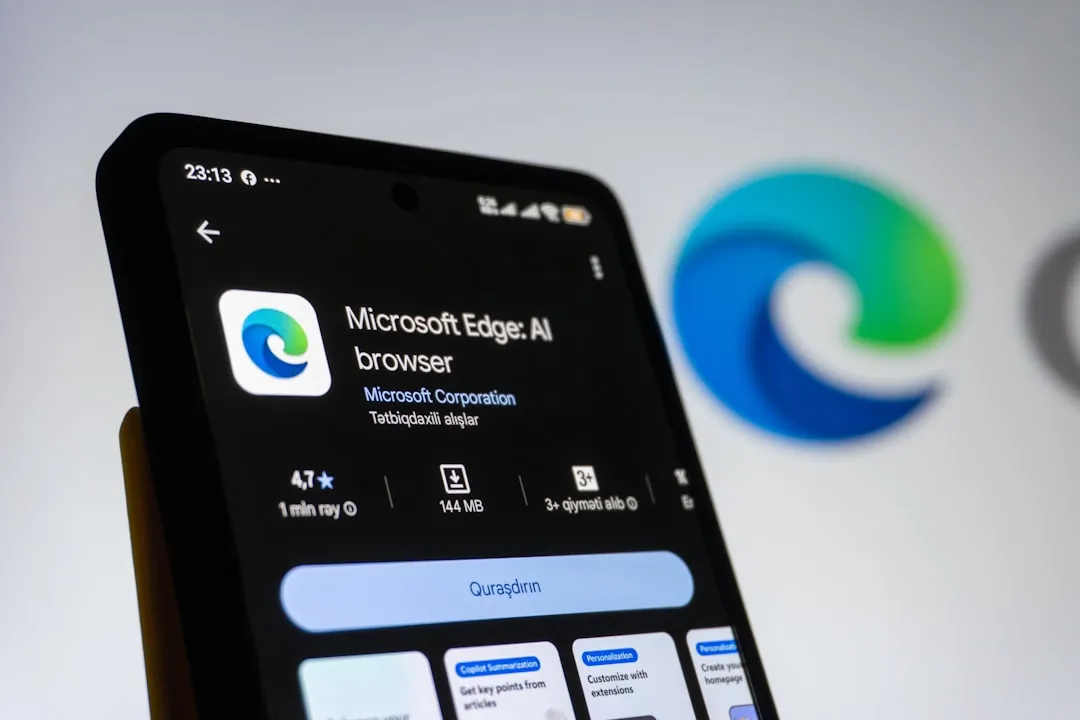
Microsoft Edge Copilot Tabs Update Explained: Features, Permissions, and Privacy
Microsoft this week pushed a significant update to Edge: the Microsoft Edge Copilot tabs update gives Copilot permission to read every tab you have open and pull answers from across all of them at once. Ask it to compare five product pages, surface a spec from an article you opened an hour ago, or condense a stack of research tabs it draws from your full open set without requiring you to paste or switch. That puts it in a different category than a sidebar chatbot waiting to be addressed.
The feature is available now across Edge for Windows, Mac, and the mobile app in all Copilot markets, with no setup beyond clicking the Copilot icon and granting permission, according to Microsoft's Edge blog this week. The rollout is broad rather than a limited test no waitlist, no preview label.
The capability solves a real workflow problem. The access it requires is worth understanding before granting it.
How the Edge Copilot open tabs feature works
When permission is granted, Copilot pulls context from every open tab and responds to queries by synthesizing across all of them. Microsoft's stated examples: compare options across multiple retailer pages, surface a specific answer from one tab while you're reading another, or get a summary of several open articles without cycling through each manually, per the Microsoft Edge Blog this week. The AI is working from the same loaded content the user is already looking at no copy-pasting, no context-switching required.
Microsoft frames this as "reasoning across" tabs rather than just retrieving text, meaning Copilot is designed to compare, weigh, and synthesize rather than return raw excerpts, The Verge reported this week. That framing comes from Microsoft; no independent testing of accuracy, comparison quality, or failure modes has been published as of this writing.
The public launch description is broader than what Microsoft previewed two months ago. A Windows Insider build from March described a more constrained model: tab context was available only within a single conversation, and tabs opened during that conversation were saved with it. Microsoft's current launch post describes access to "every tab you have open" without spelling out whether the same per-conversation boundary still applies a meaningful gap in the published documentation.
What Microsoft has also not specified in the materials reviewed for this article: whether all page types fall within scope financial dashboards, health portals, logged-in work tools or whether certain content categories are excluded. Whether tab content is processed locally, in the cloud, or through some combination is not addressed either. Those details determine the actual surface area of what's being read for users who keep sensitive pages open alongside general research.
Three permissions, not one
Tab access is the headline grant, but it arrives alongside two others. Microsoft describes tab context, browsing-history access, and long-term memory as separate Copilot experiences, each available to enable or leave off independently, per The Verge and the Microsoft Edge Blog this week.
Browsing history access lets Copilot draw on past sessions to provide more relevant answers finishing a shopping thread, returning to a research topic started days earlier, according to Microsoft. Long-term memory shapes responses based on the accumulated record of prior conversations. Whether enabling tab access implicitly activates either of the other two is not clear from available documentation.
Microsoft's stated data position: the company collects only what is needed to deliver the experience, no information is shared without user permission, and individual Copilot experiences can be enabled or disabled independently, per the Microsoft Edge Blog this week. Microsoft also says the browser will display "clear visual cues" whenever Copilot is active, reading, listening, or acting, The Verge noted this week. These are the company's own assurances; no independent privacy audit has been published.
Three details remain unclear from the published documentation: whether tab access is opt-in or on by default at first launch; whether browsing history and long-term memory are each presented as distinct choices or bundled together; and what the consent language specifies about which page types are in scope. Published documentation reviewed for this article does not answer any of the three.
Enterprise controls: what IT admins already have available
For managed environments, the governance architecture is more concrete. An existing policy EdgeEntraCopilotPageContext lets administrators explicitly enable or block Copilot's access to page content for users signed in with Microsoft Entra accounts, covering page summarization and all contextual queries sent from the Edge sidepane, per Microsoft Learn documentation updated in April. When the policy is disabled, Copilot cannot read page content regardless of what individual users have configured an organizational override, not a default.
A second policy ShareBrowsingHistoryWithCopilotSearchAllowed controls whether Edge can forward selected work-related browsing history from third-party apps to Microsoft 365 Copilot. When enabled with admin approval, work browsing history can influence what Microsoft 365 Copilot Search surfaces and ranks for users, according to Microsoft's Edge release notes published earlier this month. For regulated industries, that is a compliance consideration worth examining before the policy is touched.
The public documentation reviewed for this article does not address data retention for tab context, security boundaries between personal and organizational account sessions running in the same browser instance, or audit visibility for administrators. Those are the right questions to put to Microsoft before this reaches managed devices at scale.
Why the browser is the right place to build this
Cross-tab reasoning only works from inside the browser. Standalone AI tools ChatGPT's browsing features, Perplexity, comparable products require users to leave what they're reading and redirect attention elsewhere. Copilot in Edge is already present at the moment a user is reading and deciding, with the relevant content already loaded.
The Verge reported last November that Edge was already repositioning as an AI-native platform, with Chrome receiving a significant Gemini integration over the same period. Brave CEO Brendan Eich, who has competed in every major browser war, put the strategic logic plainly: "You put browsers in chatbots, you get these crappy little web views that don't act like a full first-class browser. You want a chatbot in a browser," per The Verge from November 2025.
The architecture Microsoft shipped this week reflects that logic. The company is also retiring Copilot Mode which bundled tab reading with agentic capabilities like booking reservations and moving those autonomous-action features into a separate "Browse with Copilot" tool, The Verge reported this week. Keeping contextual reading and action-taking in separately governed experiences is a cleaner compliance posture; it also keeps the door open to extending each independently as the platform matures.
What's settled and what isn't
The feature is live today across all Copilot markets. What the current reporting establishes: Copilot can read all open tabs, compare products, summarize articles, and answer questions across tab content. Browsing history access and long-term memory are available as additional, separately described permissions. Enterprise admins have two existing policies EdgeEntraCopilotPageContext and ShareBrowsingHistoryWithCopilotSearchAllowed, documented in Microsoft Learn to govern how this reaches managed users.
What the current reporting does not establish: the precise scope of which page types Copilot can read, whether any processing happens locally or in the cloud, whether the feature is on by default at first launch, and how the public release's access model compares in practice to the per-conversation constraints described in the March Insider preview. None of those questions have been independently verified as of publication, per The Verge this week.
The enterprise policy documentation is the most actionable thing available right now for organizations where these questions are not optional.








Comments
Be the first, drop a comment!