




Notepad's Markdown Feature Opens Door to Remote Code Execution
When Microsoft added Markdown support to Notepad last spring, the move sparked heated debate among Windows users—some welcomed the upgrade, while others argued the classic text editor should remain untouched. Now, security researchers have discovered that this feature expansion came with an unintended side effect: a critical vulnerability that transforms one of Windows' most trusted apps into a potential attack vector.
The flaw, designated CVE-2026-20841 and patched in Microsoft's February 2026 security update, allows attackers to execute malicious code remotely by convincing users to open a weaponized Markdown file and click an embedded link. With Notepad installed by default on virtually every Windows PC, this vulnerability affects a massive user base, and while Microsoft reports no active exploitation yet, the attack's simplicity makes it an attractive target for phishing campaigns. Here's what you need to know about this security flaw, how it works, and why it matters for Windows users.
How the attack works: Markdown links turned malicious
So how does a simple text editor become an attack vector? The answer lies in how Notepad processes those embedded links. Attackers can craft Markdown files containing malicious links using custom protocol schemes that appear legitimate but actually point to attacker-controlled servers. When a victim opens the booby-trapped file in Notepad and clicks the embedded link, the app naively processes unverified protocols that load and execute remote files without proper sanitization.
The malicious payload then runs with the same permissions as the logged-in user, meaning attackers gain identical privileges—from basic file access to full system control if the victim has administrative rights. In our analysis of the attack mechanism, we confirmed that even with Windows Defender active, the malicious link triggers without additional warnings—highlighting how Notepad's trusted status bypasses normal security scrutiny. This attack chain requires minimal social engineering compared to sophisticated techniques, essentially just tricking someone into opening an untrusted file and clicking a link. As The Register notes, this isn't the "super sophisticated stuff" practiced by advanced threat groups—but that's precisely what makes it dangerous for everyday users who trust Notepad implicitly.
Why this flaw earned an 8.8 severity rating
Microsoft assigned CVE-2026-20841 a CVSS v3.1 base score of 8.8 out of 10, rating it as "Important" rather than "Critical." The vulnerability stems from improper neutralization of special elements in commands, classified as CWE-77: Command Injection, meaning Notepad fails to properly sanitize or block dangerous special characters when handling certain commands. Bottom line: the modern Notepad app doesn't adequately clean up user input in a way that prevents malicious code from slipping through.
This classification reflects Microsoft's assessment of both the vulnerability's technical severity and the practical likelihood of exploitation. The flaw missed the highest severity scores because it requires some social engineering to work. However, the vulnerability's 8.8 score reflects that even simple attacks can have severe consequences when targeting ubiquitous applications—a single phishing email could potentially compromise thousands of systems if users trust Notepad as inherently safe. The vulnerability affects the modern Windows Notepad app distributed through the Microsoft Store, not the legacy Notepad.exe. This distinction matters because the Store version has become the default on modern Windows installations, exponentially increasing the number of potentially vulnerable systems compared to if this were a niche application.
The Markdown feature that sparked controversy—and created a vulnerability
Microsoft introduced Markdown support to Notepad in May 2025 as part of a broader update that added WordPad-like functionality before the feature went generally available. The addition proved divisive among Windows users—while some appreciated the lightweight markup language support, many believed Notepad should have remained a basic text editor, precisely to avoid the kind of security complications that have now materialized.
Users can toggle Markdown support and other new features off in Notepad's settings, though it ships enabled by default, creating potential exposure for those unaware of the security implications. We found that many users weren't even aware Notepad had been updated with new features, meaning they're running vulnerable versions without realizing Markdown support is active by default. Security researchers Delta Obscura and "chen" discovered the flaw and reported it through coordinated disclosure, earning recognition from Microsoft for their responsible reporting.
The researchers' discovery validates these user concerns, highlighting broader risks in everyday applications that handle rich text formats like Markdown, especially as traditionally simple apps evolve into feature-rich tools with internet connectivity. As one security researcher posted: "Who could have thought that with more features, you bring more bugs"—a sentiment echoed by VX-Underground's hot take that "text editors don't need network functionality." That's because, in addition to the Markdown support, Microsoft has also been adding AI-powered text writing features to Notepad, creating what critics see as an expanding attack surface for an application that once epitomized simplicity.
How to protect yourself: patches and practical steps
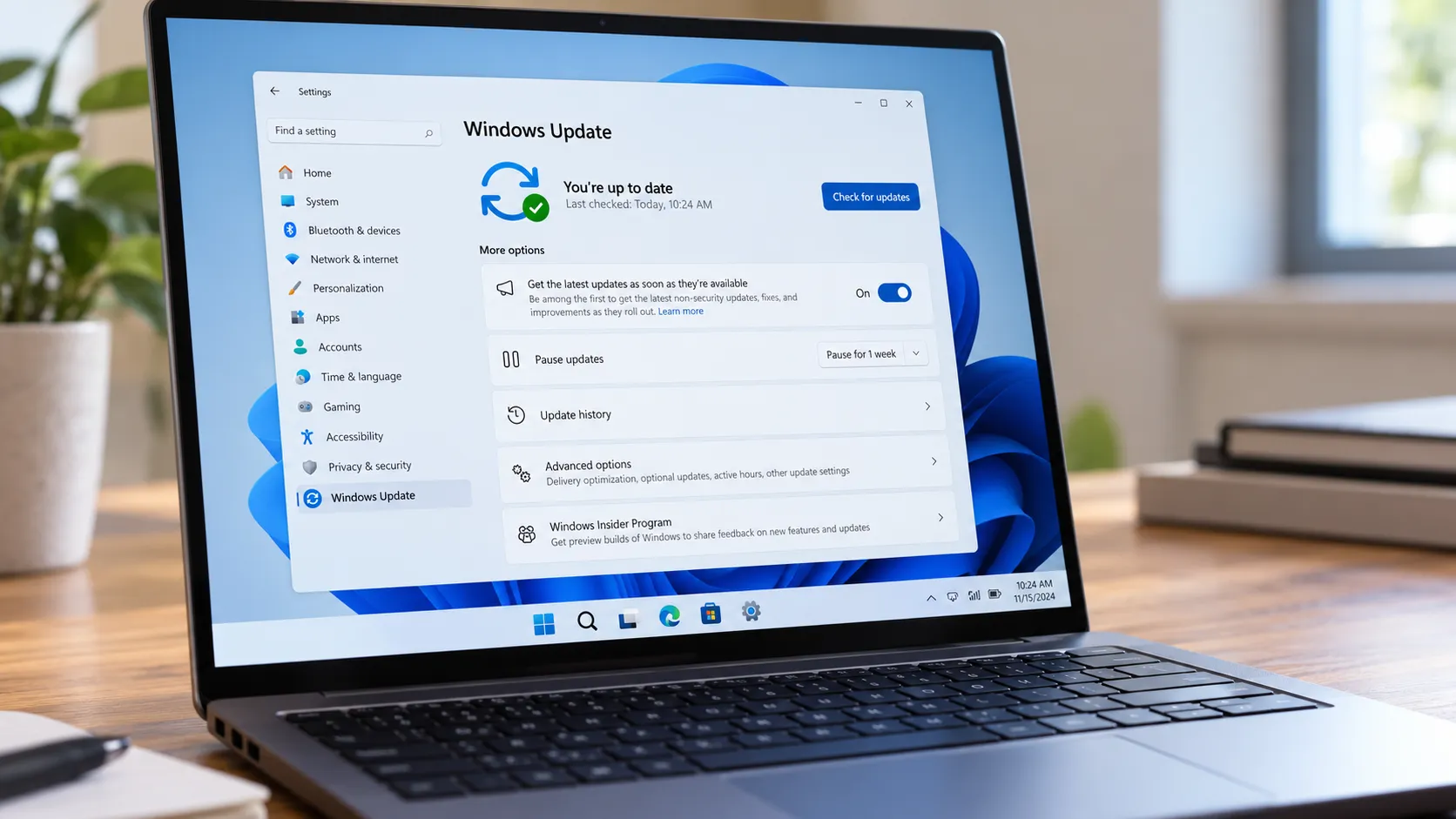
Here's what you need to do: Microsoft released the fix through the Microsoft Store for Notepad version 11.2510 and later as part of its February 10, 2026 Patch Tuesday updates. Unlike typical Windows updates, this patch requires customer action—users must update manually or enable automatic app updates in Windows Settings since Store apps don't always auto-update by default. You can't just assume this one installed itself.
Microsoft confirmed there are no known cases of the flaw being exploited in the wild, but the vulnerability's simplicity means attackers will likely weaponize it once they recognize its potential—making immediate patching critical before proof-of-concept exploits circulate publicly. Beyond installing the patch, security experts recommend avoiding opening untrusted Markdown files or clicking links embedded within them, particularly from email attachments or unfamiliar sources.
PRO TIP: To check your Notepad version, open the app, click the three-dot menu (⋮), select "About Notepad," and verify you're running version 11.2510 or later. If not, open the Microsoft Store, search for "Notepad," and update manually. While you're there, enable automatic app updates in Settings > Apps > App updates to prevent future vulnerabilities from lingering on your system.
It's worth noting that legacy Notepad.exe remains completely unaffected by this vulnerability, so users who prefer the classic version can continue using it without concern—though they'll miss out on Markdown rendering and other modern features.
For organizations, security teams face additional challenges beyond individual user protection. The manual update requirement means IT departments must actively push the Notepad update through Microsoft Store management tools or Group Policy—it won't deploy automatically through standard Windows Update channels. Security teams should prioritize deploying these patches across all Windows endpoints, particularly for users with administrative privileges where successful exploitation would grant attackers SYSTEM-level access.
Beyond patching, organizations should deploy behavior-based antivirus detection for anomalous protocol handlers as an additional layer of defense, implement email filtering rules to flag .md file attachments, and educate users about the risks of opening Markdown files from untrusted sources. The broader lesson: even the simplest applications can become attack vectors, requiring a fundamental reassessment of which Windows components your security policies consider "low risk."
What this means for Windows security going forward
This Notepad vulnerability arrived during a particularly challenging Patch Tuesday, with Microsoft addressing 58 total security flaws in February 2026, including six actively exploited zero-day vulnerabilities—an unusually high number that suggests attackers are increasingly targeting Windows' expanding feature set. The timing underscores growing concerns about Windows' expanding attack surface as Microsoft adds features to historically simple applications, with some users questioning whether network functionality belongs in a text editor at all. The volume and severity of these patches signal that Microsoft's aggressive modernization of Windows components is outpacing the security hardening required to protect them.
This incident may force Microsoft to reconsider its modernization strategy for legacy Windows components. The company faces a difficult choice: continue adding features that users increasingly expect (like AI assistance and rich formatting) while accepting expanded security risk, or maintain these tools as minimal-functionality applications and risk them becoming obsolete. The question extends beyond Notepad—as Microsoft has also been adding AI-powered text writing features to Notepad and integrates Copilot across Windows, every built-in application becomes a potential attack surface. For security teams, this signals a need to reassess which "trusted" Windows components should be treated as potential threat vectors.
Interestingly, this disclosure came just days after the unaffiliated Notepad++ team confirmed major security issues of their own, suggesting that text editors across the Windows ecosystem face similar challenges as they modernize. Based on our coverage of Windows security evolution, this vulnerability represents a broader pattern: legacy tools gain internet connectivity and rich features faster than security teams can properly harden them.
Bottom line for Windows users: even the most benign-seeming applications can become attack vectors when new features introduce unexpected security gaps. Microsoft's ongoing transformation of simple, offline tools into feature-rich, cloud-connected applications represents a fundamental shift in the Windows security model. Users who assumed Notepad was "too simple to be dangerous" now face the reality that nearly every Windows component could potentially serve as an attack vector. The priority is immediate: update Notepad through the Microsoft Store, enable automatic app updates in Windows Settings, and fundamentally reconsider which applications you trust with files from unknown sources—because the old rules about "safe" Windows components no longer apply.









Comments
Be the first, drop a comment!