



Windows 11 Performance Improvements: K2 Overhaul Speeds File Explorer
Microsoft has disclosed internal engineering data showing File Explorer launches faster after being migrated to a newer UI framework, part of a structured initiative called Windows K2. The company hopes to push the changes out of development testing "soon," XDA Developers reported yesterday, covering Microsoft's own engineering disclosures. The Windows 11 performance improvements are real and measurable though independent benchmarks have not yet verified how the numbers translate across different hardware.
What the Windows K2 overhaul actually is
K2 is Microsoft's internal program to migrate core Windows components from WinUI 2 to WinUI 3, the company's current-generation native UI framework. File Explorer is the first major target. Microsoft documented the initiative on its Windows UI GitHub page, framing it as a deliberate engineering program with stated goals, XDA Developers reported.
WinUI 2 and WinUI 3 are two generations of the same foundational framework. The newer version is more efficient by design, not more capable visually. Migrating File Explorer to WinUI 3 means stripping out unnecessary computational work the OS was doing on every launch not changing anything users see on screen.
Microsoft has been explicit about the goal. "Moving from WinUI 2 to WinUI 3 should always be a clear win for performance, and apps should get great results without heavy lifting," the company stated, per XDA Developers. That framing describes a design principle intended to scale, not a one-off fix for a single app.
K2 is an internal codename. Microsoft has not publicly branded this as a consumer feature, which signals something about what it actually is: infrastructure work, not a marketing push.
How the WinUI 3 performance improvements show up in the numbers
The metrics Microsoft disclosed after migrating File Explorer are specific. Memory allocations dropped 41%, short-lived transient allocations fell 63%, function calls decreased 45%, and time spent executing inside WinUI code itself shrank by 25%, according to XDA Developers.
These figures come from Microsoft's own disclosures, not independent benchmarks. They measure how much computational work the OS performs per operation, which is a meaningful engineering signal but not the same as a stopwatch test on real hardware. No external lab has verified how the overhead reductions translate to milliseconds saved on specific machines.
What the numbers do show clearly: the execution path through File Explorer is shorter. A 63% drop in transient allocations means the app creates and discards far fewer temporary objects on each launch. A 45% reduction in function calls means less code runs to produce the same result. On mid-range or older hardware, where processors have limited capacity to compensate for inefficient software, that kind of reduction has a direct effect on responsiveness. On fast hardware, the difference may be less perceptible but the installed base of Windows 11 devices skews toward modest specs, not flagships.
Microsoft has said it hopes to get these tweaks out of the development branch "soon," per XDA Developers. Which release channels or build numbers receive them first has not been confirmed.
A separate gaming overlay improvement worth noting
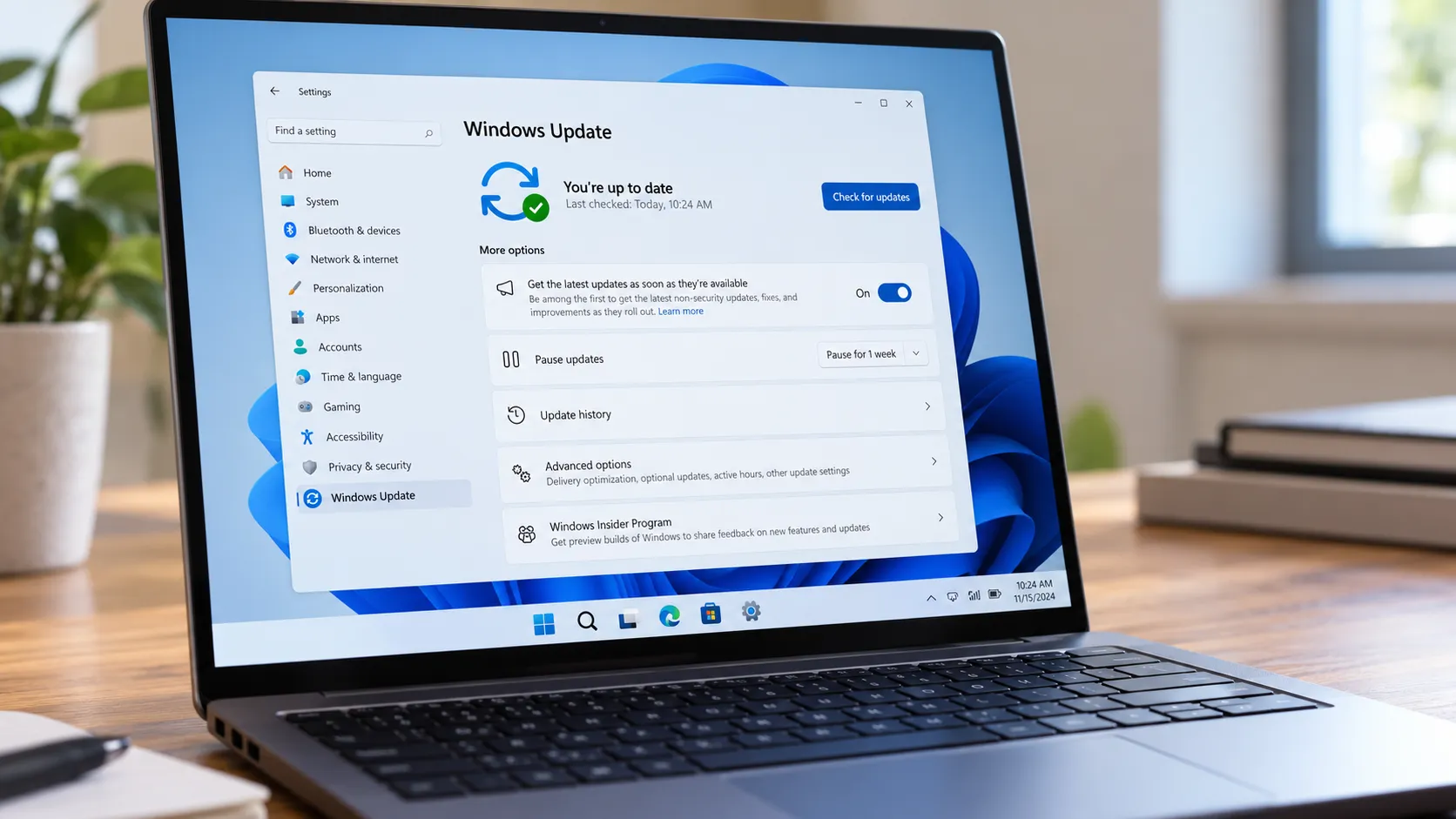
File Explorer is not the only area where Microsoft has disclosed underlying optimization work. Last September, the Windows Insider Blog noted foundational changes aimed at improving gaming performance when overlays like Game Bar are running on top of a game.
The disclosure was measured in its claims. Microsoft said the work "may particularly help" users running multiple monitors at different refresh rates, a configuration common among dedicated PC gamers that has historically caused frame-timing complications. That hedge matters: unlike the K2 metrics, the gaming announcement came with no quantified improvement data. It is a signal of ongoing work, not a confirmed result at the same level of specificity as the Explorer numbers.
Microsoft also asked Insider testers in that post to submit performance traces if gaming issues persisted, which is the language of active tuning, not a completed fix. That disclosure came through the Canary channel last autumn; whether those improvements have since reached stable Windows 11 builds is not confirmed in the available information.
What it means for Windows 11 broadly
The K2 work and the gaming overlay improvements share a direction even if they differ in scope. Both involve Microsoft doing infrastructure-level work that does not show up in feature changelogs and does not require users to buy new hardware.
That approach has real logic behind it. Windows 11's hardware requirements drew sustained criticism at launch, particularly the TPM 2.0 and CPU compatibility restrictions that locked out a large share of existing PCs. Optimization work that reduces what the OS demands per operation is a different lever entirely it improves the experience on hardware people already own.
The scalability of the WinUI 3 migration is where the longer-term story sits. Because Microsoft's stated design goal is that the WinUI 2 to WinUI 3 transition should deliver performance gains "without heavy lifting," the same framework could in principle be applied to other Windows components, per XDA Developers. Whether Microsoft pursues that broadly, and how quickly, remains unconfirmed. File Explorer is proof of concept. The metrics from that migration give the K2 initiative a concrete basis.
The open questions are about rollout: which builds carry the changes first, which hardware configurations benefit most, and which other components are next in line. When independent testing catches up to Microsoft's internal numbers, the picture will sharpen considerably. For now, the engineering data is specific enough to take seriously 41% fewer memory allocations and 45% fewer function calls are not cosmetic changes. The user-facing verification is still coming.






Comments
Be the first, drop a comment!